Workflows

How AI film workflows evolved over time

As generative video evolved over the years, the creative community developed and shared many different workflow techniques (and workarounds) to achieve coherence and consistency. The techniques evolved from esoteric and technical to more closely resembling traditional animation and filmmaking workflows. Coherence started by warping one image forward, then borrowed from live footage, then delegated to a model with one anchor image, and more recently to a cast of input references.

Act I · 2021 – 2023

One image forward

Coherence came from warping the last frame and redrawing it toward the prompt, hundreds of times over.

2 workflows
Frame by frame

Apr 2021 – mid 2022

Frame by frame

Warping one image forward, then re-dreaming it toward a prompt.

Before video models, AI artists made animations one picture at a time. A program would nudge, zoom or rotate the previous frame, then redraw it to match a text prompt, hundreds of times over. Stitched together, those frames became the dreamy, ever-shifting films of 2021 and early 2022.

How it worked

  1. Write a prompt, or a dictionary of {frame: prompt} keyframes, in a Colab cell and pick a 2D or 3D animation mode.
  2. Each frame starts from the previous one, warped by a camera schedule (zoom, translation_x/y/z, rotation_3d_* as 0:(1.02) strings; 3D mode borrows depth from MiDaS).
  3. The warped frame is re-optimized or re-diffused toward the prompt for a set number of steps (init strength and skip steps decide how much survives).
  4. Wait hours on a Colab GPU while frames land in Google Drive, then assemble with ffmpeg and smooth 1–4 fps output with RIFE or FILM interpolation.
  5. For live footage, feed each source frame as the init (Disco v4.1 "video input") or stylize a handful of keyframes and let EbSynth carry them across the shot.
  6. Latent-walk videos went the other way: interpolate between seeds or prompt embeddings instead of warping, for the morphing "dreaming" look.

Example Films1

More making-ofs1

How films were actually made, from the people who made them.

Sources & further reading5
Deforum - Infinite Morphing Zooms

Aug 2022 – 2023

Deforum - Infinite Morphing Zooms

The zoom that ate 2022: programmable cameras on top of Stable Diffusion.

Deforum put a programmable camera on top of Stable Diffusion. You typed schedules for zoom, rotation and how much each frame could change, hit go, and got a flowing, morphing animation, often timed to music. It was the first animation tool thousands of people used, and its look defined a year.

Tutorials4

AI animation with Deforum in Stable Diffusion

Vladimir Chopine (GeekatPlay) · YouTube · May 2023

How it worked

  1. Generate frame zero, or supply an init image.
  2. Warp it by the schedule: zoom, angle, translation_x/y/z, rotation_3d_*, with MiDaS depth in 3D mode.
  3. Run img2img at a scheduled strength (0.4–0.65 was the sweet spot: higher fell apart, lower froze into mush) and repeat for every frame.
  4. Layer cfg_scale_schedule, noise_schedule, seed_schedule and color coherence to a reference to keep the drift musical instead of random.
  5. Sync to music: Parseq mapped beats and amplitude to zoom pulses and prompt switches across forty-plus parameters.
  6. Video-input mode used each source frame as the init; Hybrid Video (2023) pulled optical flow from a driving clip.
Sources & further reading4

Act II · 2022 – 2023

Footage and prompts

Borrow the motion from live footage, or type a sentence and pray.

2 workflows
Shoot it, then restyle it

Sep 2022 – 2023

Shoot it, then restyle it

Video-to-video: borrowing coherence from live footage.

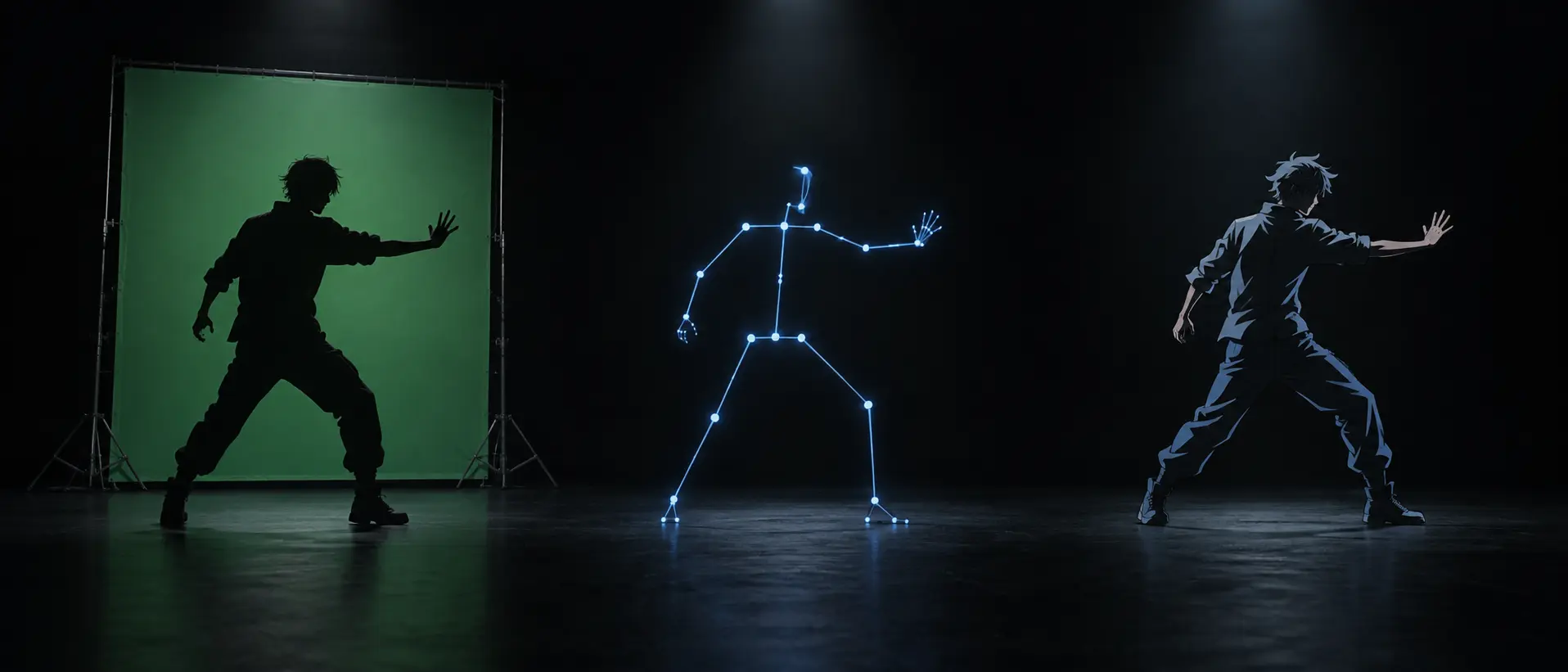
Instead of asking a model to invent motion, artists filmed something real and let the model repaint it. Pose, depth and edges from the footage kept the shot coherent while the style changed completely, from live actors to anime, in a single pass.

Tutorials6

AnimateDiff + ControlNet vid2vid

Community tutorial · YouTube · Nov 2023

How it worked

  1. Shoot or source footage and extract frames with ffmpeg.
  2. Run preprocessors: OpenPose or DWPose skeletons, MiDaS or Zoe depth, lineart or canny edges.
  3. Train a DreamBooth or LoRA on the target style or character.
  4. Generate: per-frame img2img with ControlNet then EbSynth or TemporalKit to smooth; or WarpFusion's flow-warped, masked frames; or, from autumn 2023, AnimateDiff in sixteen-frame sliding windows with ControlNet stacks, IP-Adapter for style and prompt travel for scheduled changes.
  5. Deflicker in DaVinci Resolve, upscale in Topaz, composite backgrounds.
  6. Swap the performer: Viggle 1.0 (JST-1, March 20, 2024) took a driving video plus a character image and returned the character doing the motion; 2.0 two weeks later made it free, sharper and better with faces. A.I.Warper's Lil Yachty walk-out template turned it into the meme workflow of that spring, and the same character-onto-footage move came back as Act-One and Wan-Animate in 2025.

Example Films3

  • The film on the timeline

Related on the timeline1

Sources & further reading7
Prompt and pray

Mar 2023 – late 2023

Prompt and pray

Text-to-video: the first public medium, two to four seconds at a time.

The first true video models took a sentence and returned a few seconds of footage. Results were short, blurry and unpredictable, so the craft was in generating dozens of takes and editing the best ones together, which is how the first AI shorts, ads and memes were made.

Tutorials2

Create cinematic AI videos with Runway Gen-2

Curious Refuge · YouTube · Jul 2023

How it worked

  1. Type a prompt in a Discord channel (Gen-2 beta, Pika's /create prompt -camera zoom in) or, later, a web composer.
  2. Wait one to two minutes for a two-to-four-second, low-resolution clip.
  3. Regenerate many times, keep the least broken take, upscale in Topaz.
  4. Cut in CapCut or Premiere; voice from ElevenLabs, music from Soundraw or Suno.
  5. Gen-2's Director Mode (September 2023) added numeric horizontal, vertical, zoom and roll camera values.

Example Films2

Sources & further reading7

Act III · 2023 – 2025

One anchor image

Art-direct a still, then hand it to a video model to bring to life.
4 workflows
Image-to-video era begins

Jul 2023 – 2024

Image-to-video era begins

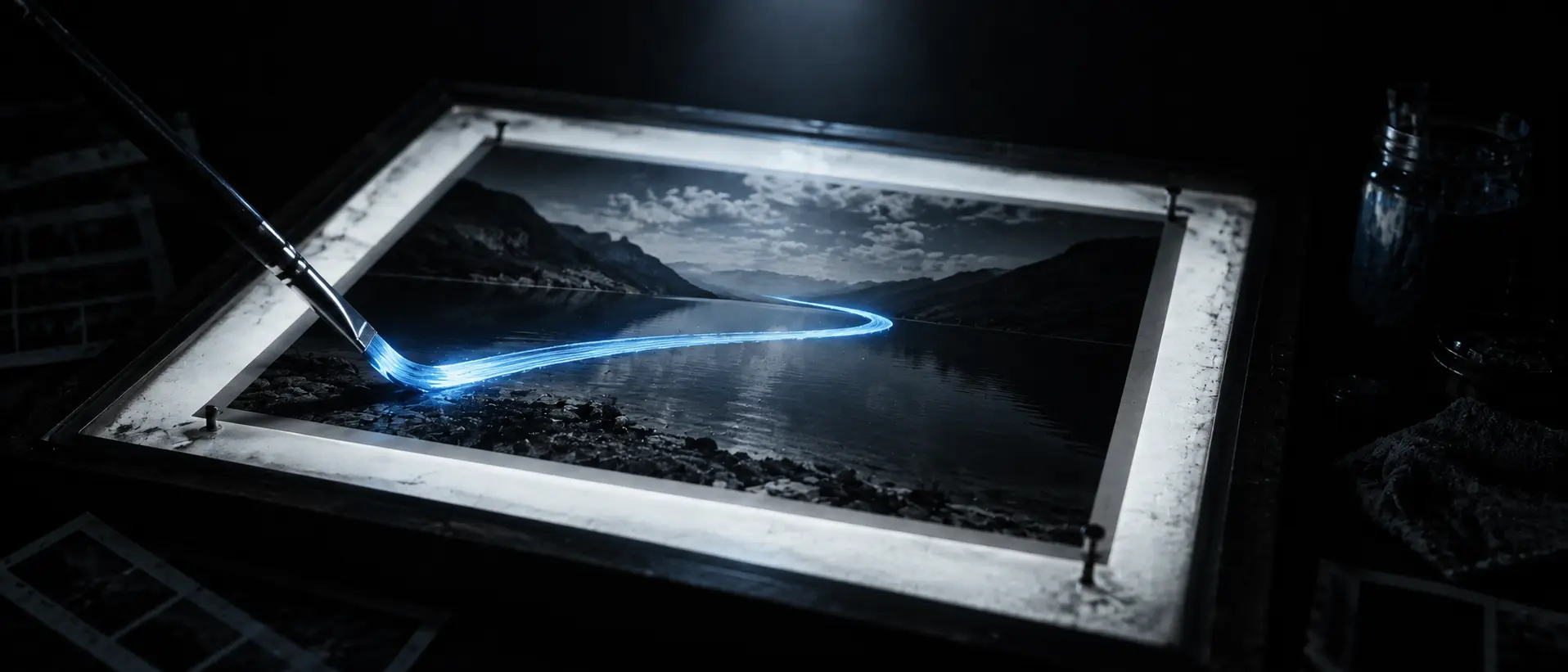
Image-to-video becomes the professional workflow: art-direct the frame, then add motion.

Rather than describing a shot in words, artists started with a still image (e.g. Midjourney or Stable Diffusion), then asked a video model to bring it to life. Art direction moved into the image, and tools appeared for painting where motion should happen (e.g. Motion Brush), setting a start and end frame, and steering the camera. This is still the backbone of most AI filmmaking. Two upscalers played a key role in the process: Magnific's creative upscaler added lost or missing details on input images, and Topaz Video AI cleaned up the low-resolution clips after generation.

Tutorials8

How to use Runway's Motion Brush

AI Video School · YouTube · Nov 2023

How it worked

  1. Art-direct still images in Midjourney (v5.2, then style references in 2024) or SDXL, then upscale in Magnific (from November 2023): its creativity, HDR and resemblance sliders hallucinate skin pores, fabric and set detail into the frame before the video model sees it, which is why so many 2024 films look sharper than the models that made them.
  2. Feed the still to Gen-2, Pika or Stable Video Diffusion with a short motion prompt and Director Mode camera values.
  3. Paint motion: Runway Motion Brush (November 2023, one region) and Multi Motion Brush (January 2024, five regions with x/y/z and ambient).
  4. Generate multiple takes per shot (5-10 was common), keep the coherent shots, then upscale to HD, denoise, and smooth the frame rate using Topaz Video AI.
  5. Add dialogue via Pika Lip Sync with ElevenLabs.
  6. 2024 added keyframes (Luma Dream Machine start and end frames, Kling start/end frame control), Kling 1.5 Motion Brush with six trajectories, Runway Gen-3 Alpha at ten seconds with Act-One performance capture, and Hailuo's human motion.
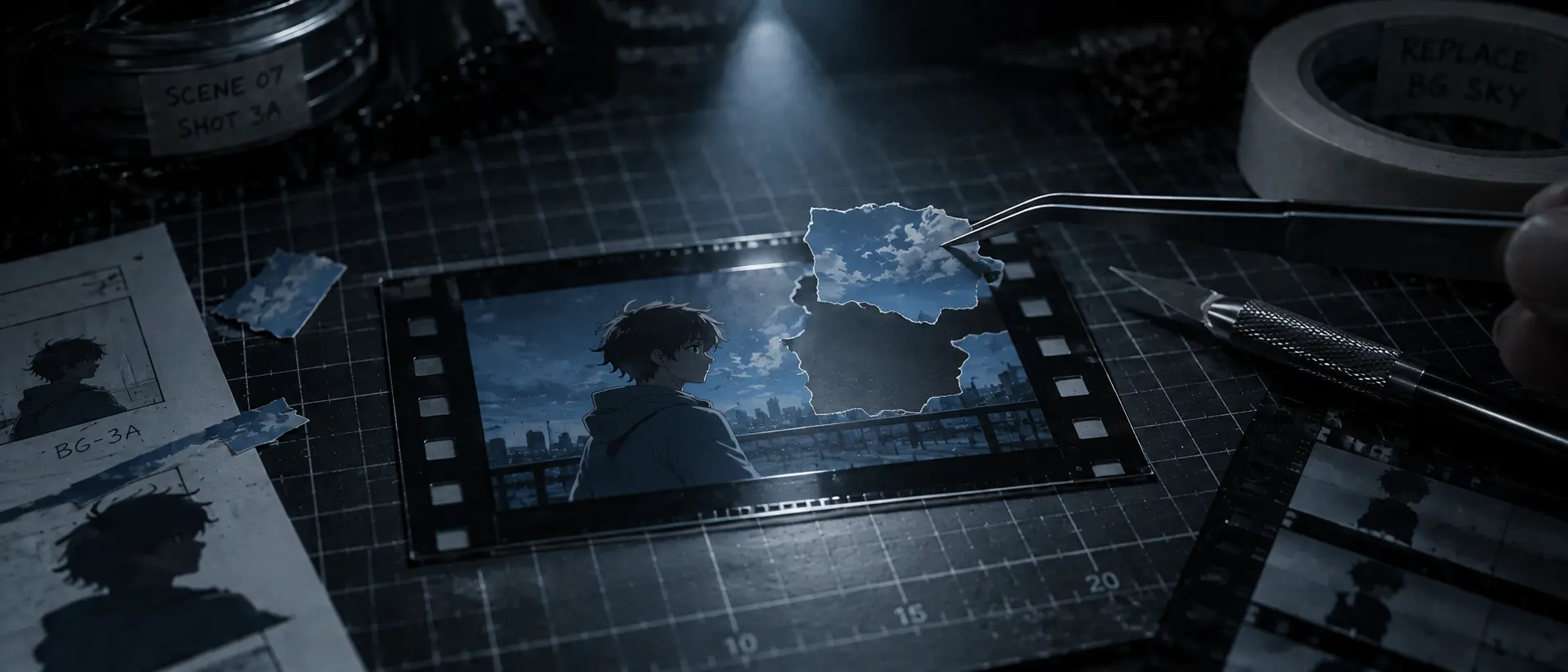
  7. Generate the background as its own plate: erase the character (Runway Erase & Replace), animate character and environment separately, key the character out with the green-screen tool and layer them, then keyframe its position by hand (Timmy, April 2024).
  8. First and last frame came back around in 2025 (Kling 2.1, then Veo 3.1 Frames to Video): author both endpoint stills and let the model bridge a longer, controlled shot.

Example Films5

  • The film on the timeline

More making-ofs2

How films were actually made, from the people who made them.

Sources & further reading8
A timeline of intentions

Feb 2024 – Dec 2024

A timeline of intentions

Sora's storyboard, remix and the collage-in-a-card reference hack.

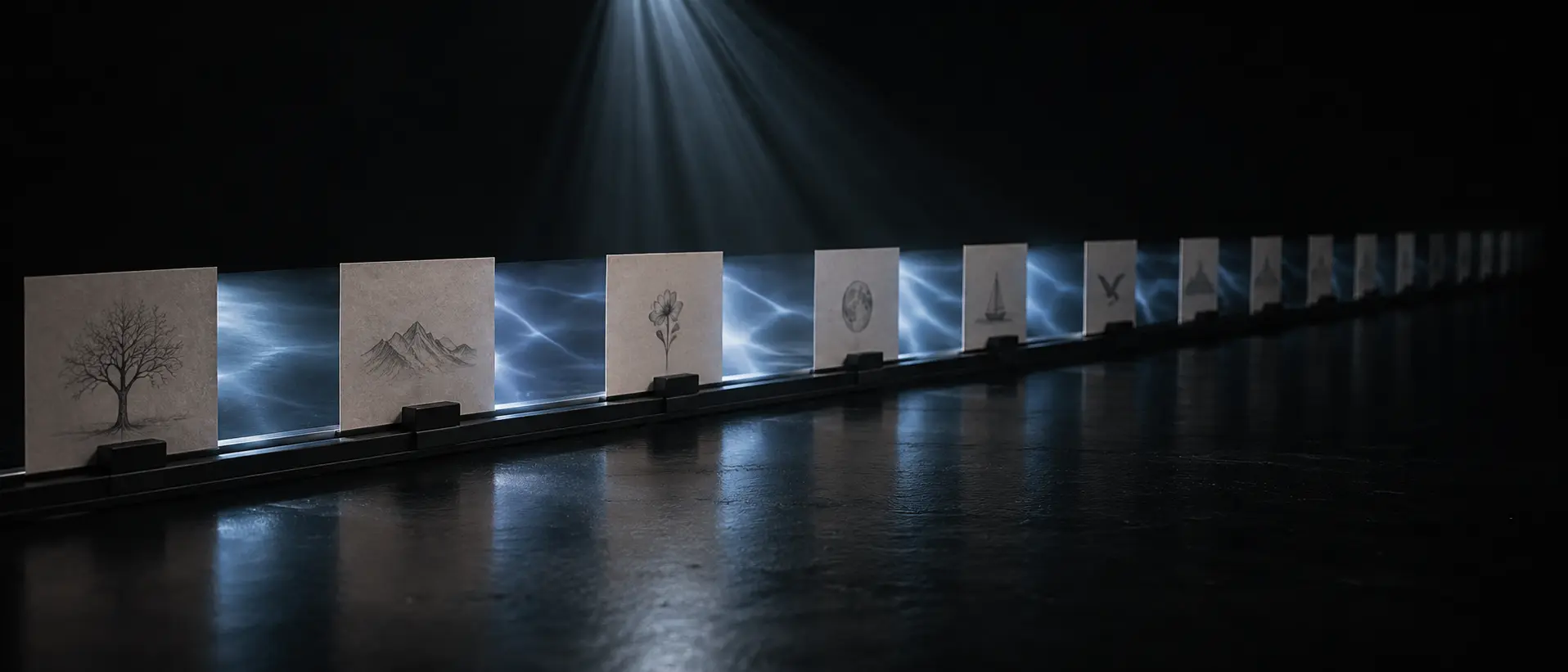
OpenAI's Sora let you lay out a film as cards on a timeline, each describing a moment, and filled in everything in between. It also let you remix, extend and blend clips. The films made with it were impressive, but they still took hundreds of attempts and a lot of traditional post-production.

Tutorials2

Sora has a secret super power: the storyboard

Theoretically Media · YouTube · Dec 2024

How it worked

  1. Write hyper-descriptive prompts (film stock, lens, lighting) and accept a roughly 300:1 generated-to-used ratio.
  2. At launch, lay caption cards on the Storyboard timeline, each optionally seeded with an image or clip, and let the model fill the gaps.
  3. Use Remix to replace or remove elements, Re-cut to extend a good moment, Blend to merge two clips, Loop for seamless cycles.
  4. Paste several reference images as one collage into a storyboard card, the community's stand-in for a reference system Sora never had.
  5. Rotoscope out the strays in After Effects, unify with grain and grade, and upscale in Topaz.

Example Films1

Sources & further reading4
The hand-off

Nov 2024 – Jan 2025

The hand-off

December 2024: one image plus a prompt becomes a cast of references plus a prompt.

In one month at the end of 2024, three tools started accepting several reference images at once: a face, an outfit, a location. Instead of hoping a character looked the same in the next shot, you could show the model exactly who and what you meant.

Tutorials1

Runway Frames and Kling Elements

Theoretically Media · YouTube · Jan 2025

How it worked

  1. Kling 1.6 shipped with first and last frame conditioning and, through Elements, up to four subject images (people, animals, objects, scenes) combined with a prompt; the global rollout landed in January 2025.
  2. Pika 2.0 Scene Ingredients let you upload as many reference images as you like for character, object, wardrobe and setting, then prompt the shot.
  3. Runway Frames was the pre-echo: an image model built around consistent worlds feeding Gen-3 image-to-video.
  4. The consistency toolkit underneath (DreamBooth, LoRA, IP-Adapter, ComfyUI graphs) is what artists reached for whenever the hosted model could not hold a face.

Example Films2

Related on the timeline2

Sources & further reading4
Character sheets

Dec 2024 – Jan 2025

Character sheets

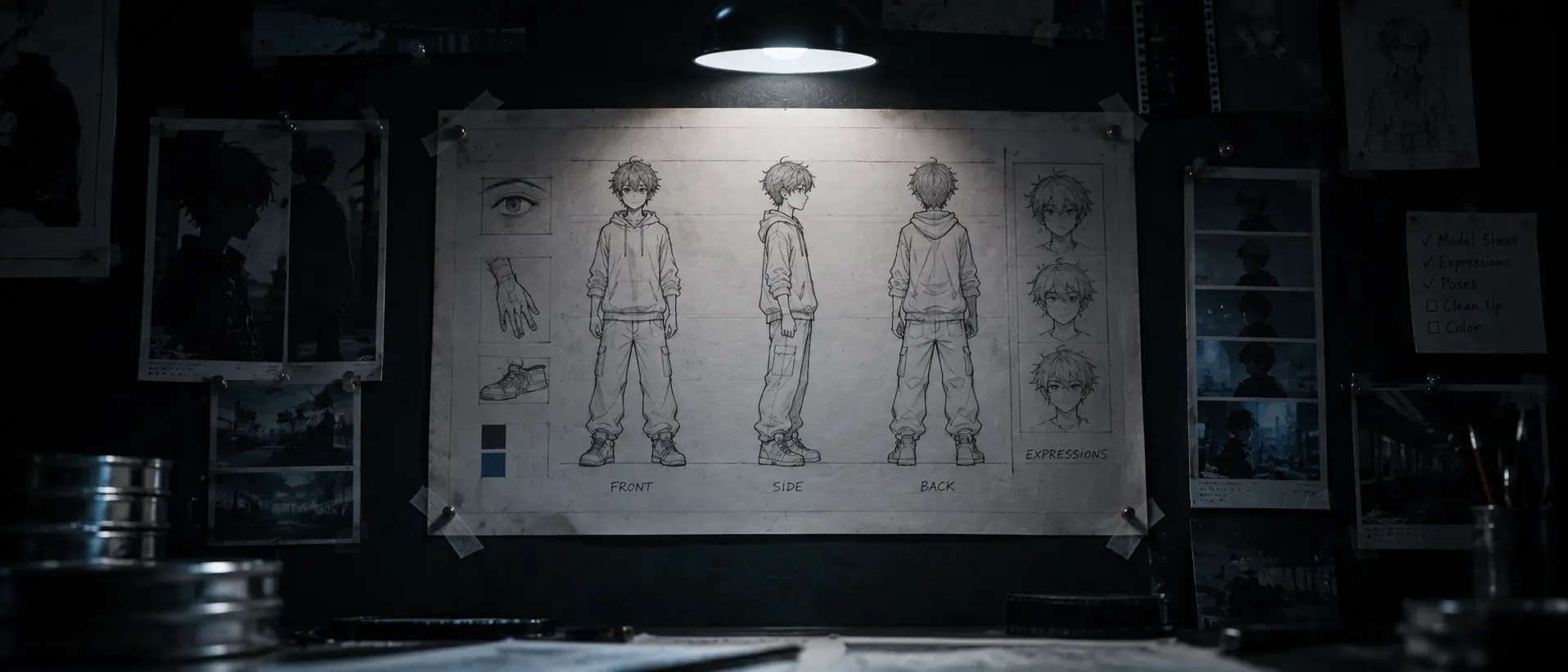
Identity comes from images, not luck.

Make a few views of your character, upload them, and the model keeps them consistent across scenes. This turned the character sheet, long a staple of animation studios, into the first thing an AI filmmaker makes.

Tutorials2

Consistent realistic characters with a Flux LoRA

Curious Refuge · YouTube · Nov 2024

How it worked

  1. Generate three or four views of a character in Midjourney or Flux.
  2. Load them as Kling Elements and describe the actions and interactions; the model holds the subject across scenes.
  3. Generate five-to-ten-second clips per shot and assemble in Premiere or Resolve.
  4. Veo 2 (VideoFX) offered cinematographic vocabulary and 4K for the shots that needed polish.

Example Films3

More making-ofs1

How films were actually made, from the people who made them.

Related on the timeline2

Sources & further reading3

Act IV · 2025 – 2026

A cast of references

Faces, outfits, clips and sound go in together, and the prompt becomes a bundle.
7 workflows
Video stops being write-only

Feb – Apr 2025

Video stops being write-only

Swap, add, keyframe and perform become verbs.

Video stopped being something you could only generate from scratch. New tools let you swap a person in an existing clip, add an object, transition between two frames, or move a real actor's performance onto a generated character.

Tutorials2

Runway and Midjourney references: tips and showdown

Theoretically Media · YouTube · May 2025

How it worked

  1. Pika 2.2: insert a subject into existing footage (Pikadditions), replace one (Pikaswaps), or keyframe a transition up to ten seconds (Pikaframes).
  2. Talking characters from a single photo plus audio: OmniHuman-1, Hedra Character-3.
  3. Camera as a menu: Higgsfield's fifty-plus motion presets.
  4. Runway Gen-4 References: up to three reference images (photos, generated images, 3D models or selfies) for consistent characters and locations, then image-to-video.
  5. The showrunner pipeline: webcam performance → Act-One → Hedra lip-sync → ElevenLabs voices → Premiere, about twelve hours per episode.

Example Films1

More making-ofs1

How films were actually made, from the people who made them.

Related on the timeline1

Sources & further reading4
AI as a layer, not a generator

Mar 2025

AI as a layer, not a generator

A studio puts generative tools inside a traditional 2D/3D animation pipeline.

Instead of asking a model to make the film, Asteria used AI at specific steps of a normal animation process: a model trained on the artist's own drawings, generated 3D layouts, machine ink-and-paint, and in-betweens bridged from hand-picked keyframes. Twenty-plus people, one house style, and the artist stays the author.

How it worked

  1. Train a LoRA directly on the artist's hand-drawn work (Paul Flores) so every generated frame carries his line and palette.
  2. Block the scenes in 3D: generative extrusion turns drawings into rough geometry, then 3D layout sets camera and staging.
  3. Generative ink-and-paint and color passes replace the manual fill; style transfer keeps the whole frame on-model.
  4. Generate backgrounds and their motion separately from the characters.
  5. Author the first, middle and last frame of each shot by hand-picking generations, then let a video model bridge the in-betweens.
  6. Composite, upscale in Topaz, and cut as you would any animated short.

Example Films1

More making-ofs2

How films were actually made, from the people who made them.

Sources & further reading2
The prompt becomes a bundle

Apr – May 2025

The prompt becomes a bundle

Kling 2.0's multimodal visual language and the open-weight answer.

The prompt grew up. Instead of a paragraph of text, you handed the model a bundle: reference images, short video clips, a style, a camera move. Open-source models caught up with the same idea, so the technique was no longer locked inside one app.

Tutorials1

Kling 2.0 is here: multi-elements and prompt structure

Theoretically Media · YouTube · Apr 2025

How it worked

  1. Convey identity, style, scene, action and camera with image references and video clips rather than text alone (Kling 2.0 MVL).
  2. Add, swap or delete subjects in existing video with the Multi-Elements editor.
  3. Kling 2.1 added tiers, ten-second clips and start/end-frame conditioning.
  4. Open weights caught up: Wan 2.1-VACE for reference-to-video and video-to-video in ComfyUI; HunyuanVideo-Avatar for audio-driven multi-character dialogue.
  5. Performance capture from real actors with SAG-AFTRA-approved likeness models, as in Echo Hunter.

Example Films1

Sources & further reading3
Sound in the same pass

May – Jun 2025

Sound in the same pass

Veo 3, Flow and the recipe behind the Veo 3 ad.

Video models learned to speak. Veo 3 generated dialogue, sound effects and ambience in the same pass as the picture, which made short spoken scenes and ads possible in a day. Around it appeared the first director apps for arranging shots into a sequence.

Tutorials2

Veo 3 talking-animal vlogs, explained

Community tutorial · YouTube · 2025

How it worked

  1. Write the script, then have an LLM draft a prompt per shot with the dialogue in quotes.
  2. Generate each shot in Veo 3 (eight seconds, native dialogue, effects and ambience), text-to-video or from a still.
  3. Assemble and extend in Flow's Scenebuilder with camera controls and asset management, or cut in Premiere.
  4. Seedance 1.0 introduced native multi-shot: two or three cuts inside a ten-second clip.
  5. For the rest of the stack: Midjourney Video animates any Midjourney image; Higgsfield Soul locks a character; Eleven v3 adds inline audio tags and multi-speaker dialogue.

Behind the scenes2

How films were actually made, from the people who made them.

Sources & further reading4
Video-to-Video: Shoot fast, restyle later

Jul – Sep 2025

Video-to-Video: Shoot fast, restyle later

The reference becomes video: motion, camera and performance.

The reference could now be a video, not just a picture. Film a rough version on your phone or block it out in 3D, then have the model restyle it, relight it, or transfer an actor's performance onto a character while keeping the motion.

Tutorials4

Act-Two first look: a short film from a phone performance

Theoretically Media · YouTube · Jul 2025

How it worked

  1. Shoot phone footage or render a Blender gray-box, then restyle it with Runway Aleph (new angles, relighting, add or remove objects by prompt), Luma Modify Video or Wan 2.2-Animate.
  2. Transfer a face performance with Act-Two: driving video plus character image.
  3. Build character sheets in Nano Banana, which became the default the week it shipped.
  4. Use Ray3's Draft Mode for cheap takes and HDR EXR output for the keeper.
  5. Vidu Q2 pushed reference counts to seven images; Sora 2 added native audio and consent-based cameos.

Example Films3

  • The film on the timeline
Sources & further reading5
Ingredients

Oct – Dec 2025

Ingredients

Three vendors converge on the same input contract in ten weeks.

Within ten weeks, the big three video tools converged on the same idea: give the model ingredients (a few images, a clip, a sound) and get back a multi-shot scene with its own audio. One model, many inputs, one coherent result.

Tutorials4

How to make a professional AI animated film

Curious Refuge · YouTube · Oct 2025

How it worked

  1. Veo 3.1 Ingredients to Video: up to three reference images (character, object, scene, style), now with audio; Frames to Video for first and last frame; Extend to chain past a minute.
  2. Storyboards in Nano Banana Pro (fourteen references, identity for five subjects, real text) become first frames.
  3. Kling O1, the first unified multimodal video model: seven simultaneous inputs, @Element1 / @Image1 prompt syntax, prompt-driven editing of uploaded video.
  4. Runway Gen-4.5 with native audio and minute-long multi-shot generation; Wan 2.6 reference-to-video where a clip carries appearance and voice.
  5. Node canvases go mainstream (Runway Workflows, Freepik Spaces, Krea Nodes) and open weights keep pace: LTX-2 with native audio, HunyuanVideo 1.5 on a single 4090.
  6. Use the image model as a coverage engine: generate every angle of a scene in Nano Banana Pro before touching a video model, then animate only the frames you would actually cut to (blizaine, Framer).
  7. Let the language model write the prompts, five self-contained shots at a time, each written as if the video model has no memory of the last (PJ Ace).
  8. Cut hard between only the beats that matter: short clips and jump cuts read as intent and sidestep long-clip drift (Framer).
  9. Bolt open-source voice cloning (E2/F5-TTS) onto the stack for dialogue the video model cannot deliver.

Example Films1

More making-ofs3

How films were actually made, from the people who made them.

Sources & further reading7
@-mention your input references

Jan – Mar 2026

@-mention your input references

Kling 3.0, Seedance 2.0, the Hollywood letters and the end of Sora.

Seedance 2.0 let you name your assets inside the prompt, like tagging people in a post: use this image as the first frame, copy the camera move from this clip, put this track underneath. It was powerful enough that Hollywood studios sent legal letters within days, and the same season OpenAI shut Sora down.

Tutorials3

Kling 3.0 first look

Theoretically Media · YouTube · Feb 2026

How it worked

  1. Seedance 2.0: up to nine images, three videos and three audio clips per job. @Image1 as opening frame, @Video1 reference the camera language, @Audio1 as BGM. Fifteen-second multi-shot with separate music, ambience and voice tracks.
  2. Kling 3.0 / 3.0 Omni: three to fifteen seconds, native audio in five languages, auto or custom multi-shot storyboards, elements from images or video, voice references extracted from a character clip.
  3. Grok Imagine 1.0 for fast lip-synced dialogue; Vidu Q3 for sixteen-second native-audio clips; LTX-2.3 for open weights.
  4. The response: Disney's cease-and-desist on 13 February, Paramount's on the 15th, the MPA's first AI letter on the 20th; a ByteDance–MPA pact followed in August.
  5. Sora's shutdown was announced on 24 March; the app closed on 26 April.

Example Films4

  • The film on the timeline

More making-ofs2

How films were actually made, from the people who made them.

Sources & further reading6

Now

Current Workflows

How films, series and spots are being made today, at length and not only as clips.

4 workflows
Thirty seconds, fifty references

Since Apr 2026 · Trending

Thirty seconds, fifty references

One-take scenes, dozens of references, and the first festival features.

Clips reached thirty seconds in a single take and models accepted dozens of references at once: images, video clips, audio, even documents. With that much control in one generation, the first feature-length films made this way premiered at festivals, and a single filmmaker could carry a whole short from character sheet to final cut.

Tutorials7

Creating an AI short film, full workflow: character, location, coverage, dialogue, story with Claude, consistent voices

Runway · YouTube · Aug 2026

How it works

  1. Seedance 2.5: thirty seconds in one pass plus multi-round extension, up to thirty images, ten videos and ten audio references, timestamp-level edits.
  2. MiniMax H3 (open base weights), LTX-2.5 (ten seconds in under seven seconds) and Wan 3.0 (thirty-second single pass, documents as references) fill out the field.
  3. Runway Aleph 2.0 and Edit Studio: edit one frame and the change propagates across a thirty-second multi-shot.
  4. The full short-film pipeline, as Runway teaches it: build the character, design the location, generate coverage, add characters to the scene, direct dialogue and performances, develop the story with Claude, keep the voices consistent.
  5. Feature-length: Hell Grind at Cannes (95 minutes, 15 people, 14 days; 16,181 generations for the first 25 minutes) and Blomkamp's NIGHTBORNE with 32 real faces and voices as references.
  6. Act it yourself: film the performance on a phone, transfer it with Kling Motion Control, add lip sync with Seedance, all inside one router app such as Magnific or invideo (techhalla, Uncanny Harry).

Example Films13

  • The film on the timeline
  • The film on the timeline
  • The film on the timeline
  • The film on the timeline
  • The film on the timeline
  • The film on the timeline
  • The film on the timeline

More making-ofs1

How films were actually made, from the people who made them.

Sources & further reading5
The agent as director

Since Oct 2025 · Trending

The agent as director

Describe the film; an agent plans the shots, picks the models and propagates the edits.

Through 2026 the apps stopped waiting for a prompt per shot. You brief an agent, it proposes a story and shot list, chooses a different model for each shot, generates, and carries an edit across the whole sequence. The same agents are reachable from coding tools like Claude Code and ChatGPT Codex through vendor MCP servers, and from inside Premiere Pro and After Effects through plugins. The filmmaker's job becomes the brief, the taste and the continuity.

Tutorials3

Claude-built pose and depth previs for Seedance

Tim Simmons · On X · Jul 2026

How it works

  1. Plan. The agent turns a brief into concept, story structure, character sheets and a shot list (Runway Agent, invideo Agent One's creative-director and DOP agents, Luma Agents' Brainstorm mode, Vidu Agent, Dreamina Octo).
  2. Route. Each shot goes to the model that fits it, chosen by the agent rather than the user: first as hand-wired node canvases (Runway Workflows, Oct 2025; Freepik Spaces, Nov 2025), then as agents that build the canvas themselves (Krea Node Agent, Mar 2026; Runway Agent Workflows, Jul 2026) and as a routing API (Runway Media Router, Jul 2026).
  3. Edit. Change one frame and the agent propagates it across shots (Aleph 2.0 and Edit Studio, May 2026); talk to the cut turn by turn (Gemini Omni in Flow, May 2026).
  4. Remember. Persistent project context: Pika Agents' memory, invideo's characters and rules, Runway Projects and Brand Kits (Aug 2026), Magnific Agents that share what they learn across a team.
  5. Connect a coding agent. Vendor MCP servers (fal Mar 2026, Higgsfield Apr, Runway May, Pika May, Magnific Jun, Kling Jul; Replicate and ElevenLabs earlier) let Claude Code, Codex or Cursor hold the script in a repo, call a different model per shot, fan out variants in parallel, generate dialogue and assemble with ffmpeg or Remotion. This is how long-form pieces are now orchestrated shot by shot. The same agents (Claude Fable, Codex Sol and Astra) also build the tools the apps lack: Sam Wasserman's free suite (May–Aug 2026) covers script breakdown, a cork board, a planning canvas, gray-box and motion previs, storyboard references, dailies triage with local quality checks, stem separation, a prompt studio and an MCP server that drives DaVinci Resolve, each app with its own MCP so Claude Code or Codex can run it.
  6. Work inside the editor. Runway's plugins put Gen-4.5, Seedance 2.5, Kling 3.0, Veo 3.1 and Aleph 2.0 into the Premiere Pro and After Effects timeline (Sep 2026); Adobe's own Firefly AI Assistant (Apr 2026) drives Premiere and Photoshop from a chat.

Example Films7

More making-ofs3

How films were actually made, from the people who made them.

Sources & further reading18
Hybrid: film the actors, generate the world

Since Jul 2025

Hybrid: film the actors, generate the world

Real actors, a real crew and a real shooting day, and then the models build everything around them.

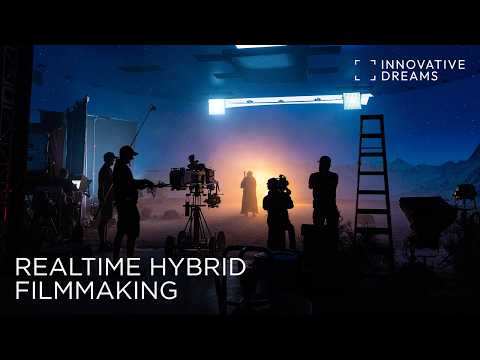
The loud half of AI filmmaking generates the whole film. The quiet half still shoots one. A crew films the thing only a person can give, the performance, and generative models build the rest: backgrounds, weather, crowds, light, and coverage nobody shot. Unveil put one performer on green screen and let Runway replace everything else for Salomon's Olympic campaign. CJ ENM shot The House in four days and generated the world around its actors. The Rolling Stones shot body doubles and wore their own 1970s faces on top.

Tutorials4

How to enhance live action footage with AI

Runway · YouTube · Feb 2026

How it works

  1. Previs the whole film, then shoot against it. Unveil built a thirty-shot storyboard in Runway before a two-day shoot near Paris, so the sixty people on set knew what the generated world would be. Martin Haerlin did the same on Griesson: pace, angles, wardrobe and set worked out in AI before the camera arrived.
  2. Shoot only what a person has to do. Faces, hands, the take. Haerlin shot Merle Schwietert on green screen and put the argument in one line: nuanced performance is irreplaceable. CJ ENM shot The House indoors in four days and generated every background around it.
  3. Replace the world with an edit model instead of a plate. Runway Aleph takes the footage you shot and swaps objects, changes the weather, relights and reframes it from a prompt. Luma Modify Video does it while pose, expression and lip sync survive, and Aleph 2.0 carries one frame's change across the sequence.
  4. Put the face or the character on last. Francois Rousselet shot the Rolling Stones video conventionally with credited body doubles, and Deep Voodoo laid the 1970s band over them. The version anyone can afford is Runway Act-Two or Kling Motion Control: film the performance on a phone and drive a generated character with it.
  5. Relight instead of compositing. Beeble SwitchLight turns a live plate into normals, albedo and roughness, so an actor can be lit after the shoot like a CG asset. Corridor rebuilt season three of Son of a Dungeon around it: green screen, CorridorKey for the matte, a phone for camera tracking, straight into Unreal.
  6. Generate the coverage you did not shoot. Feed an existing take back in with the character sheet and ask for the wide; the audio and the performance come with it. Christopher Gwinn found it in MiniMax H3 in August 2026 and Curious Refuge published the recipe two weeks later.
  7. Finish where you already cut. Since September 2026 the Runway panel sits inside Premiere Pro and After Effects, and edits land at the playhead. Topaz and Runway Ruby still do the last pass: upscale and real HDR.

Example Films7

  • The film on the timeline

More making-ofs8

How films were actually made, from the people who made them.

Sources & further reading7
Where we are today

Since Sep 2026

Where we are today

Every workflow above, still in use, now stacked into one practice. September 2026.

None of the earlier workflows died. The frame-by-frame instinct became the storyboard as first frame, video-to-video became video references and motion control, the still frame became the character sheet, the prompt became a bundle of thirty references, the editing primitives became one edit propagating across a thirty-second scene, and an agent now routes all of it. Stronger models, one-take scenes, native audio, agents in the app and in the terminal, coding agents that build the missing tools, and true HDR delivery are what turned those techniques into a repeatable practice.

Tutorials6

Getting started with Runway Ruby: real HDR from any video model

Runway · YouTube · Aug 2026

How it works

  1. Character sheet first. A turnaround and face close-ups (ChatGPT Image-2/2.5, Nano Banana Pro, Seedream, Soul ID) become the reference for every shot.
  2. Storyboards become first frames. Boards turn into first and last frames; chain the last frame of one shot into the first of the next.
  3. Block it or act it. A gray-box 3D render or a phone performance drives the camera and the acting through motion control.
  4. The prompt is a bundle. Video generations are built using a collection of multi-modal inputs: images, video clips, audio and documents go in at once, and the model resolves them into a scene.
  5. Generate scenes, not shots. Multi-shot and thirty-second one-takes (Kling 3.0, Seedance 2.0/2.5), with native audio for dialogue, or ElevenLabs into a lip-sync model when the performance needs control.
  6. Edit in place. Change one frame and Aleph 2.0 carries it across the sequence.
  7. Direct with your preferred agent. Inside the apps (Runway Agent, Higgsfield Supercomputer, Luma Agents, Flow Agent), inside ChatGPT through plugins (e.g. Runway), or from a terminal using MCP. Coding agents are used to build whatever tools are missing, like Sam Wasserman's free suite.
  8. Curation is the craft. Generate far more than you keep; draft modes and turbo tiers make that ratio affordable.

Example Films2

More making-ofs1

How films were actually made, from the people who made them.

Sources & further reading6